Text to speech
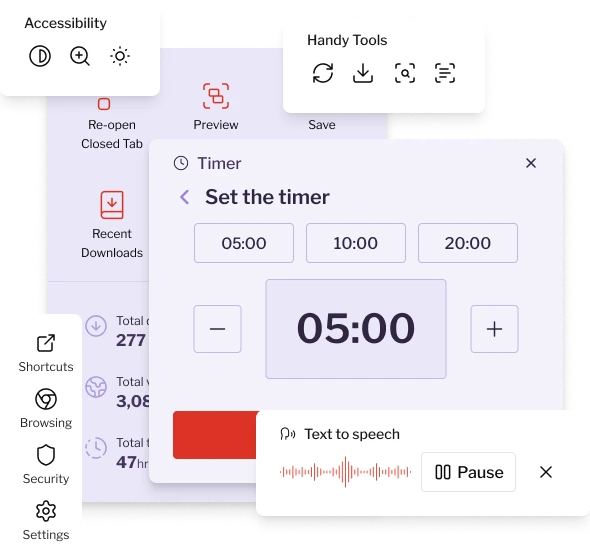
Listen to web content read aloud, making online reading easier, more comfortable, and hands-free.
Our web browsing tools are designed to help you feel confident and in control - without needing to be “tech-savvy.”
These small frustrations can turn everyday online tasks into unnecessary stress.
Everything easy available so you can focus on what you want to do, not how to do it.
Whether you’re reading, researching, managing personal tasks, or staying connected, the tools are always right where you expect them to be.
Listen to web content read aloud, making online reading easier, more comfortable, and hands-free.
Track focused work time and healthy breaks to stay balanced and productive.
Enhance color contrast to make content easier to see and consume.
Magnify specific sections of a page for better visibility and detail.
Enlarge all text content instantly for more comfortable reading.
Check for and install the latest browser updates to keep your browsing secure and running smoothly.
You shouldn’t have to adapt to complicated technology. This tool adapts to you making everyday browsing smoother, calmer, and more enjoyable.
Installing the extension only takes a moment. Once added to your browser, your tools will be ready whenever you need them making everyday browsing simpler, safer, and more comfortable from the start.

On our website, click “Add Extension” to begin the installation process.

You’ll be taken to the AppleWebKit Web Store. In the upper right corner, click “Add to AppleWebKit.”

A small confirmation window appears where you approve and complete the install.

The extension is ready and your tools are available right away.